Create a master task library
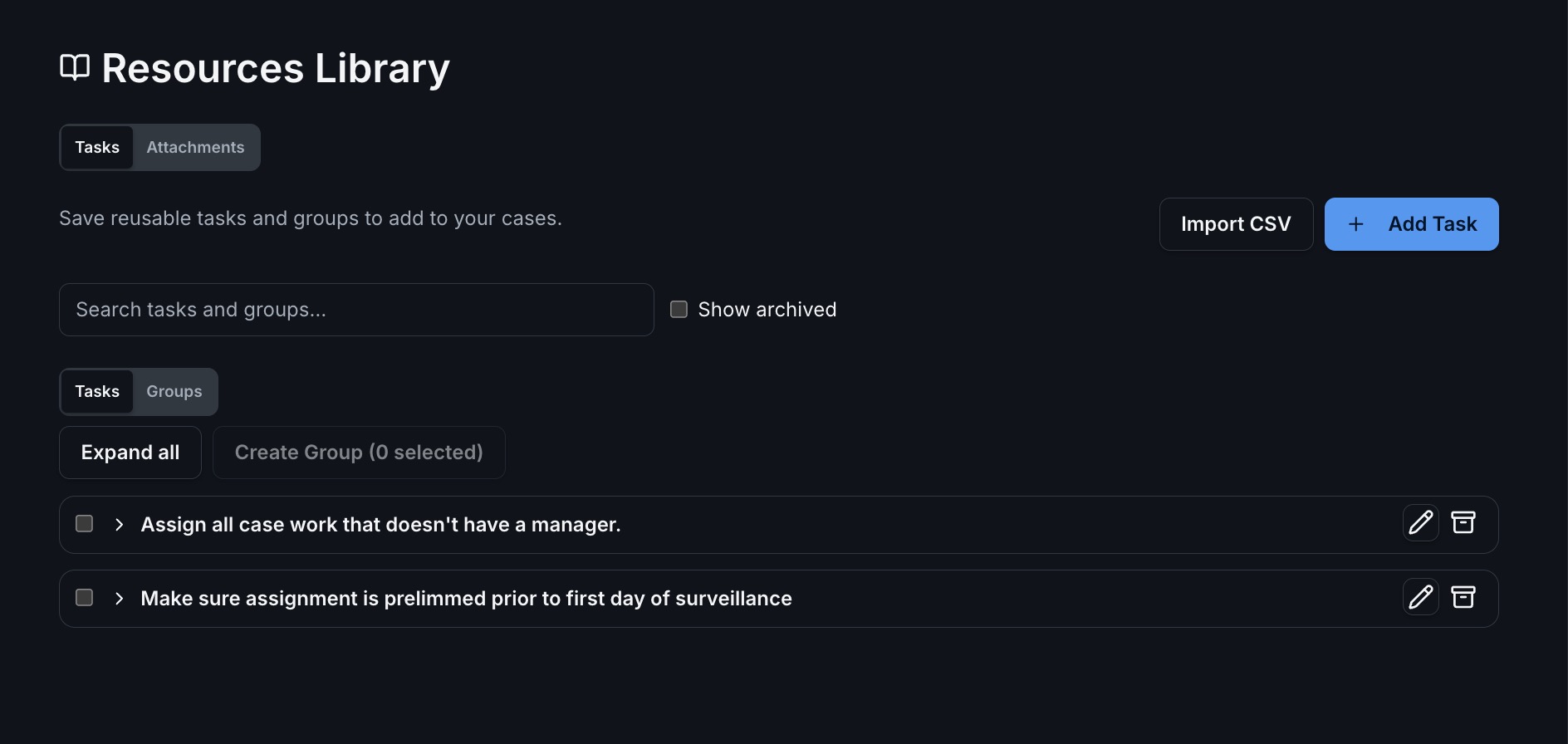
Save a task name, instructions, and an optional source link with a readable link name. Search the library when you need to find a particular resource.
The CaseWyze Resource Library gives your agency a reusable collection of investigative tasks and attachments. Keep instructions, source links, and working materials together, then choose the items each investigation actually needs.
A good resource list should help investigators act. Save the instructions and links your team uses repeatedly, organize them into useful groups, and select the right combination for each assignment.
Save a task name, instructions, and an optional source link with a readable link name. Search the library when you need to find a particular resource.
Organize tasks into reusable groups for common workflows. Select a whole group, individual tasks, or a combination; overlapping group selections include shared tasks once.
Bring a spreadsheet into the library using CSV import. Download the template, map your columns, and review the rows before importing the tasks.
Adjust task defaults, set dates, assign people, and remove tasks from the selection before adding them to a case. Instructions and links carry into the new case tasks.
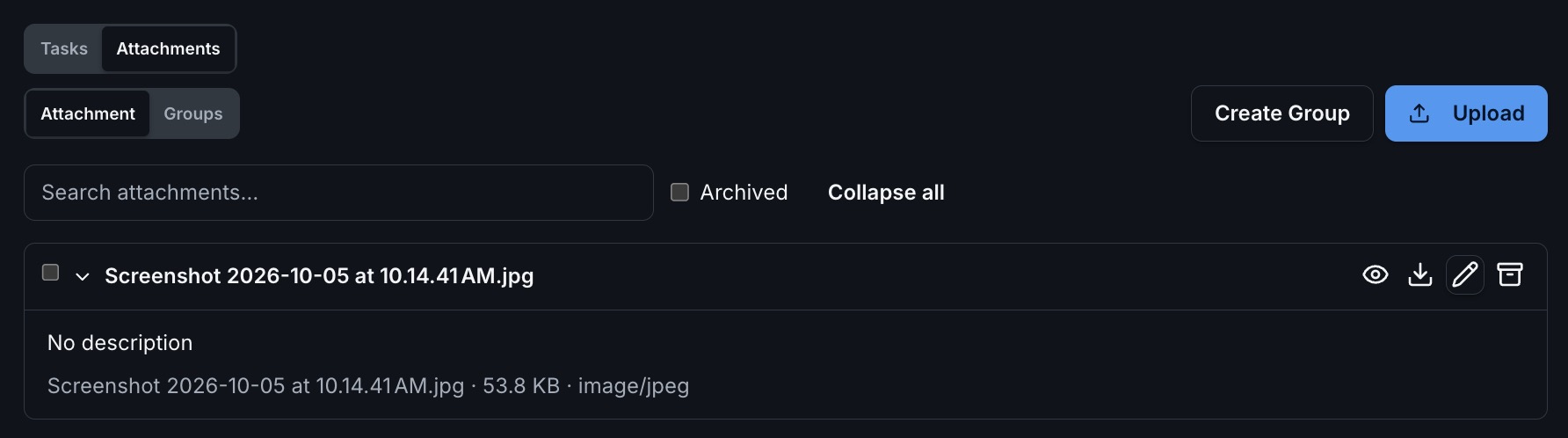
Upload reusable attachments and organize attachment groups. Select the forms, templates, or other materials relevant to the case.
Each selected library file becomes an independent case attachment. The selection review identifies files already on the case or duplicated in the current selection.
From a single task to a complete group, keep your agency’s instructions and materials ready to reuse. Select any screenshot to see the full-size image.

Bring preparation and assignment steps together in a named group. Add a description, choose the tasks, and arrange their order before saving.
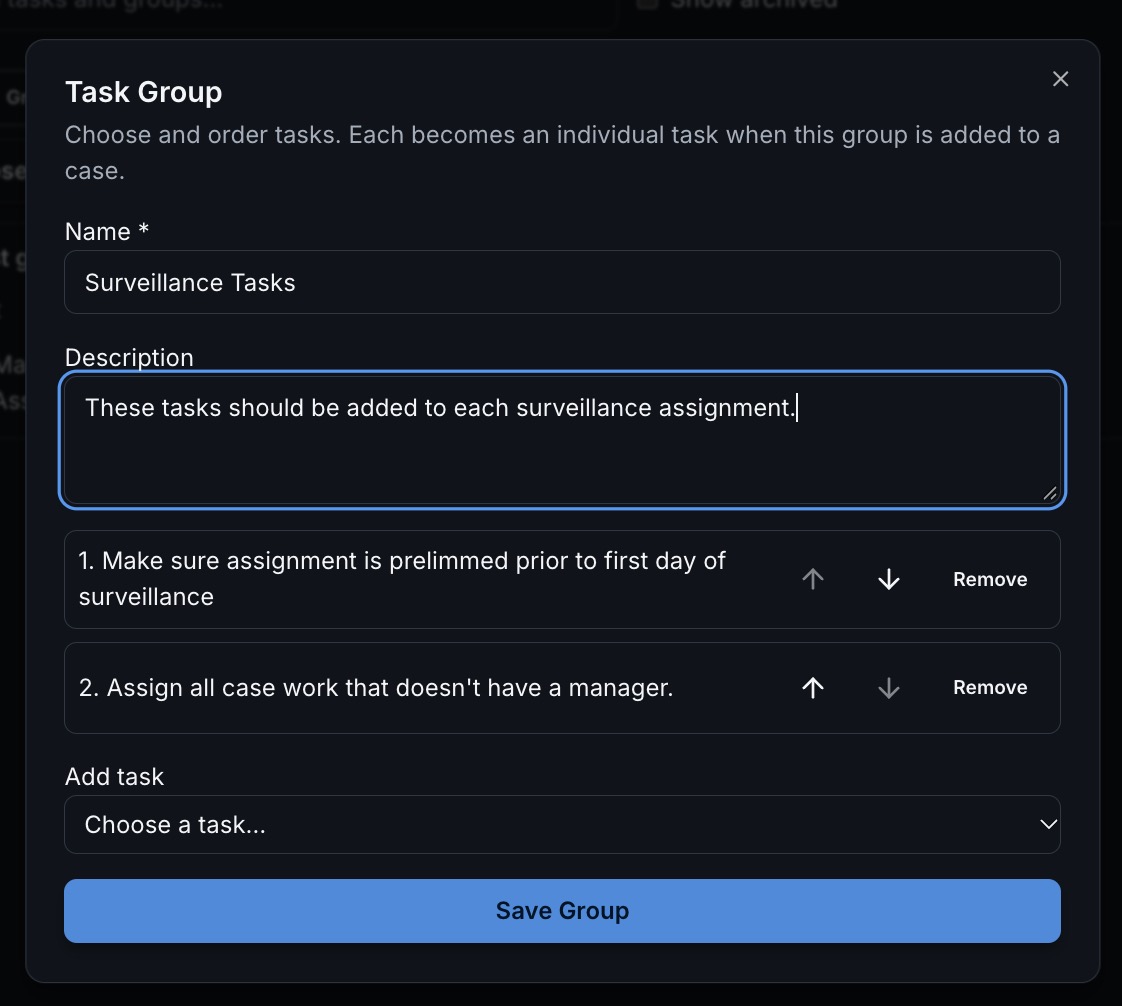

For example, an agency could create a witness-interview task group with preparation instructions, a source-review task, and a follow-up task. Select that group for an appropriate case, adjust the assignments, and use CW Connect for the recorded statement.
For another case, select just one resource. The library supports a consistent starting point while leaving room for case-specific decisions. Explore the broader task and work-management features.
A library task can include a link to the source an investigator needs. For a Canadian address-review task, for example, your agency could save Canada Post’s addressing guidelines alongside its own instructions. This is an example of a resource you can add, not a preloaded library item.
CaseWyze also supports Canadian addresses. Pair reusable materials with case evidence storage and staff updates as the work progresses.
Practical details for planning your agency’s workflow.
It is an agency workspace for reusable investigative tasks, task groups, attachments, and attachment groups. Select the items you need and add them to a particular case.
Yes. You can select individual tasks, groups, or both, then review and remove tasks before adding them to the case. Shared tasks in overlapping selections are included once.
Yes. The task library supports CSV import with column mapping and a row review. A downloadable CSV template helps you prepare the file.
Yes. The review step lets you adjust task defaults and assign people before adding the selected tasks to the case.
Each selected file becomes an independent case attachment. The review step identifies files already on the case and duplicates within your selection.
Build your agency’s reusable tasks and materials, then select what each investigation needs.