Invite the right people
Add an interviewee, attorney, interpreter, or other guest. Each invited participant gets an individual link that you can copy and share.
CW Connect brings recorded video statements into CaseWyze. Schedule a claimant, witness, or insured statement, invite the people who need to attend, and keep the recording and transcript connected to the investigation.
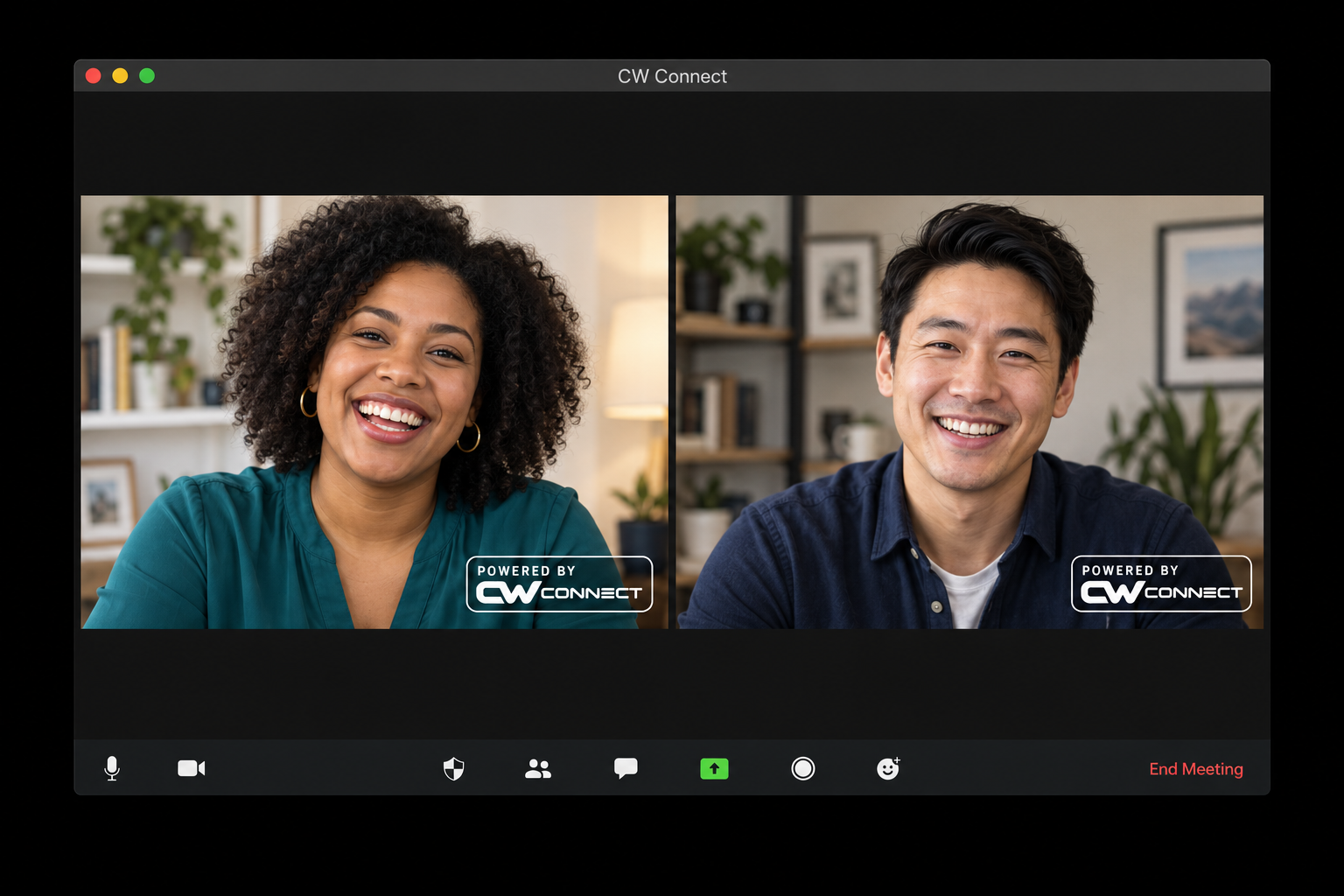
An interview is more useful when the team can find it, review it, and understand which case it belongs to. CW Connect gives investigators a dedicated statement workflow alongside their other casework.
Add an interviewee, attorney, interpreter, or other guest. Each invited participant gets an individual link that you can copy and share.
Guests review the recording disclosure and check their camera and microphone before the host admits them to the call.
Start, pause, and resume recording from the statement. Confirm verbal consent and mark important moments while the conversation is underway.
Search the machine-generated transcript and select a passage to jump to its position in the recording. Important-moment bookmarks give you another route back.
Review speaker labels against the recording, then assign verified names. Transcript exports can include the current assigned names while preserving the original files.
Access ready MP4 video, MP3 audio, and TXT, VTT, or JSON transcripts, subject to your attachment permissions. Review recorded segments and the gaps between them.
Start with case request intake, prepare your interview tasks in the Resource Library, and use CW Connect when it is time to take a recorded statement.
After processing, authorized staff can review the recording and transcript alongside the case. Continue the investigation with staff updates and the agency’s evidence storage workflow.
Recording disclosures, participant consent, host admission, and visible recording controls give the team a clear process for conducting a statement. Your organization can configure its disclosure for new statements.
CW Connect uses Daily’s video platform for calls. For the broader CaseWyze approach to access and file handling, see our security overview.
Practical details for planning your agency’s workflow.
CW Connect is the recorded-statement feature in CaseWyze. It brings guest invitations, video recording, transcript review, and downloads into a case-linked workflow.
A statement supports up to six participants: the investigator hosting the call and up to five guests. Sessions have a two-hour limit.
Yes. After processing, you can search transcript text and select a passage to jump to the matching recording segment, when you have permission to view the files.
No. Transcripts are machine-generated and speaker labels are estimates. Investigators should check them against the recording before assigning speaker names or relying on the text.
Open CW Connect from a case. Calling must be enabled for your workspace, and your role needs the appropriate permissions. Contact CaseWyze for help with setup.
Talk with us about CW Connect setup and how recorded statements fit into your investigation workflow.